 Wifi Influencers
Wifi Influencers
Wifi Influencers
Pick a niche and a topic. You get back a finished episode — written, voiced and fronted by your own influencer, with b-roll on every line. One face your audience keeps seeing, and an offer inside the script that sells your ebook while it runs.
We onboard a handful of creators at a time so every channel gets attention.
The same pipeline that produces our own channels, opened up to a small group of creators.
Choose the niche, the presenter's face and their voice. Every episode after that inherits it, so the channel stays consistent.
A full script is written in your channel's own structure and voice, then narrated in your influencer's cloned voice — no prompting, no editing pass.
Presenter beats, b-roll stills and clips, on-screen numbers and a thumbnail — rendered and delivered to your Google Drive.
Not a prompt box. The machinery we run our own channels on.
Every episode is previewed sitting inside a rival channel's grid — your thumbnail and title among theirs, with each video's views, views per hour and how far it beat that channel's average.
 697K views
 507K views
 368K views
 252K views
 215K views
 195K views
 136K views
 114K views
Build the face once — age, heritage, wardrobe, room and voice — and every episode inherits it. The same person fronts the channel in the talking-head beats and in the b-roll around them.
 Martha Henderson58 · woman
 Erik Solberg65 · man
 Rin Sato58 · woman
 Earl Campbell61 · man
 Guadalupe Fernández61 · woman
 Ray Carter50 · man
 Elsa Solberg58 · woman
 Sato Kenji36 · man
Each niche is a board and each episode a card. Drag a card to write its script and voiceover, drag it again to make the video. The competitor channels you learn from sit on the same board as the episodes they shape.
Pick the presenter, name the sub-niches, paste the competitors you want to learn from, and say how many episodes. The boards, the cards and the briefs are created for you.
MarthareuseGuadalupereuseEarlreuseRinreuseSwitch autopilot on and a card walks itself from topic to finished episode — script, voiceover, b-roll, render — then lands in your own Google Drive, foldered by niche. You come back to a file, not a to-do list.
Minutes come off when an episode finishes, never when it breaks. And if one does break, the retry picks up from the script, the voiceover and the b-roll that already rendered instead of starting the whole episode again.
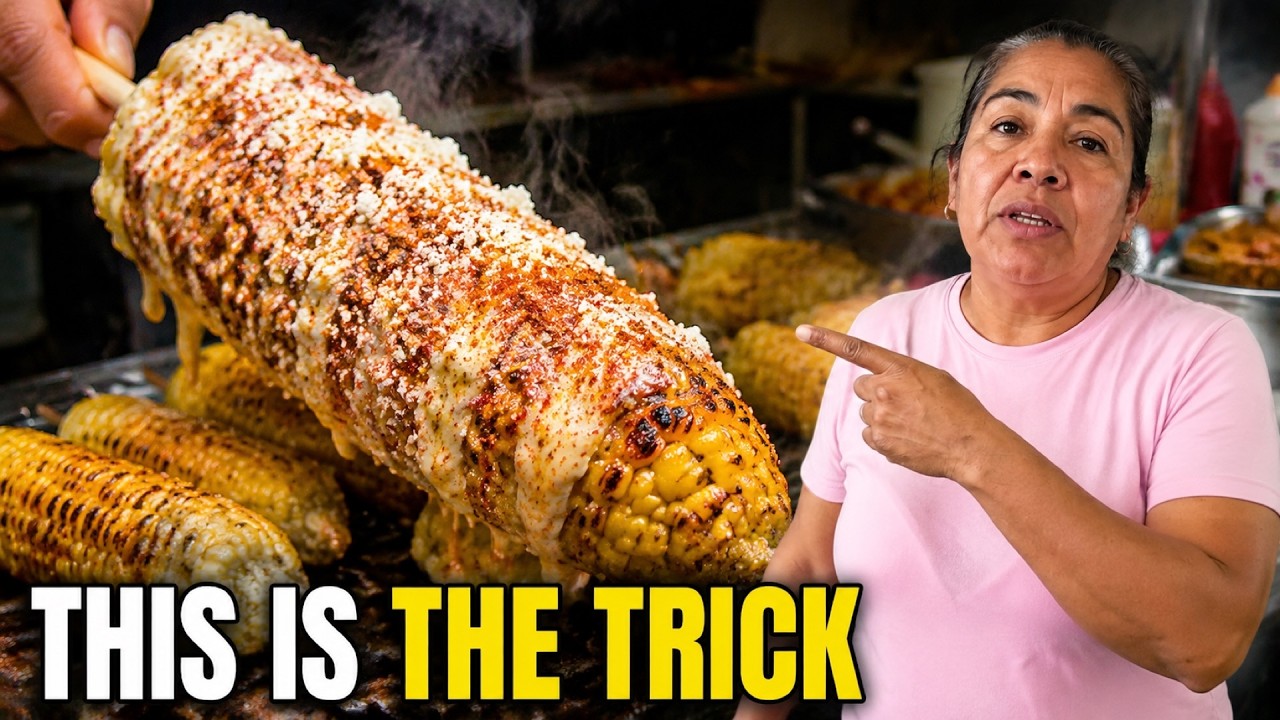
Seven episodes from Bertha Cooks — a presenter-led channel from the competitor list our research tool tracks. Not our videos, and not a customer: this is the format we build for, working. Hover to stop the row, click any one to watch it on YouTube.
Public YouTube view counts, rounded. Shown with credit to the channel — none of it is our work.
The opening of three episodes, exactly as they came off the line — presenter, script, voice and b-roll, nothing touched up afterwards. Two minutes each; the full versions are not published.
Every line of narration gets its own footage. These are real shots from real episodes — the moving ones are generated clips, the rest are generated stills with a slow push.
Minutes refresh with every renewal. Cancel anytime. While we onboard from the waitlist, plans are activated by hand once you are approved — annual included, so nothing is charged here that we cannot honour yet.
Each finished video uses its length plus a few setup minutes: 3 on Starter, 4 on Creator, 5 on Pro and Scale. A video that fails costs nothing.
NOT SURE?
Two numbers and we point at a plan. Everything updates as you move them.
The things people ask before they join. Anything else, reply to the email you get after requesting access.
No. The presenter and the voice are both generated, and the same presenter comes back episode after episode so the channel keeps one face. You never record anything.
Full-length episodes — up to about 25 minutes. The presenter is on screen for roughly a minute of that: the hook at the top, the moment they introduce themselves, and a few beats spread through the rest. Everything else is b-roll cut to the narration, which is what the format actually rewards.
You don't wait at the screen for it. Start it and close the tab — the card moves along your board on its own and the finished file is sitting there when it's done. A full-length episode is not instant.
You do. Download the finished MP4 and publish it wherever you like, under your own channel and your own name. We don't publish anything on your behalf and we don't claim your uploads.
That depends on your plan — one at a time on Starter, two on Creator, three on Pro, five on Scale. Anything past that isn't refused, it queues: the moment a running video finishes, the next one in line starts by itself. Nobody else's queue can hold yours up.
Your minutes refresh with every renewal. They don't stack up month to month, so a plan is sized for what you'll actually publish — if you're regularly hitting the ceiling, move up a plan or ask us for a top-up.
Creator adds one extra seat, Pro three, Scale five. Everyone works in the same workspace, on the same boards, out of the same pool of minutes. Starter is a single seat.
Card, through Stripe. An invoice is emailed to you automatically each time you're charged, so it's there for the books without you asking.
We onboard from a waitlist, taking creators in small batches so each channel gets real attention. You request access, we activate you by hand, and you get an email with a sign-in link. From there you pick a plan, pay, and your workspace is ready — yours, with you as the owner.
We won't promise you that, and be careful with anyone who does. YouTube decides what it monetises, and it rewards channels that add something of their own — your topic choices, your angle, your thumbnails, your edits. What we do is take the production work off your hands so you can publish enough to find out.
Any time, and you keep every video you've already made. No contract, no notice period.
Tell us where to reach you and which plan fits. We activate accounts in small batches and reply personally.